Reverse engineer any app or site with your coding agent
REA lets your coding agent look inside websites and apps, explain a feature, show the evidence and rebuild it.
REA (Reverse Engineer Anything) is a free, open-source MCP server that gives AI coding agents like Claude Code, Codex and Cursor reverse engineering tools. The agent can inspect websites, JavaScript and Electron apps and compiled programs, explain how a feature works with evidence, and rebuild it. Analysis runs locally.
Every designer who builds things has had the moment. An app does something small and clever, a menu that springs just right or an export that somehow keeps all the formatting, and you want to know how. Until recently the honest answer was to guess, or to learn reverse engineering, which means reading assembly in tools built for security researchers.
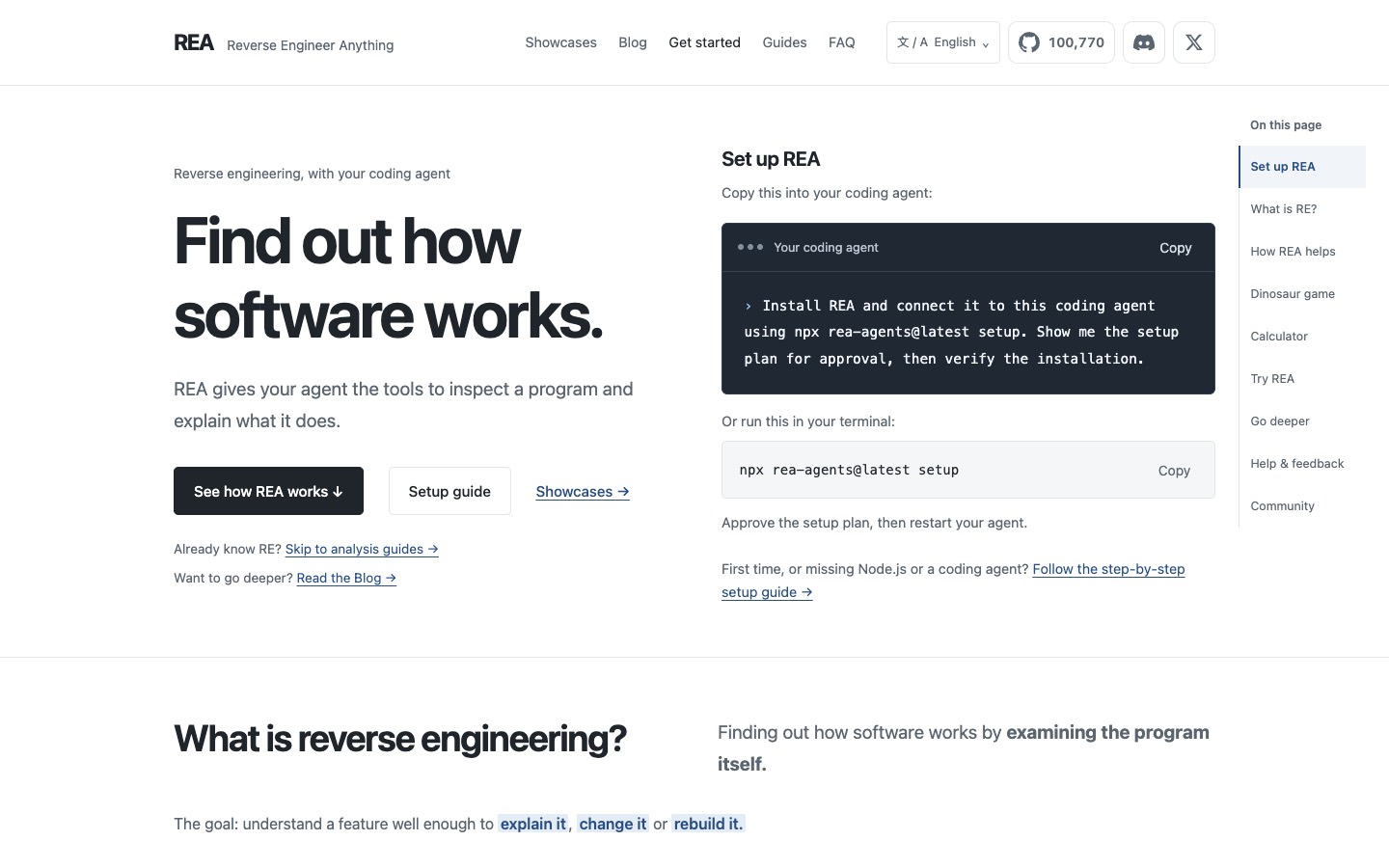
REA, short for Reverse Engineer Anything, hands that job to your coding agent. It's a free, open-source add-on for Claude Code, Codex, Cursor and most other agents that lets them look inside a program and explain what it does. You ask a plain question about a feature, and the agent comes back with an explanation, the evidence behind it, and if you want, a working version for your own project. It has passed 100,000 stars on GitHub since April.
How it works
REA runs as an MCP server, the standard way agents plug into outside tools. Behind it sits a set of analysis tools, each suited to a different kind of target:
- Websites: the scripts a page loads, the network requests it makes and what happens when you click something
- JavaScript and Electron apps: a lot of desktop software, Notion for one, is web code in a wrapper, and REA maps its modules and how they talk to each other
- Native apps and games: with Hopper, Ghidra or IDA installed, it reads the compiled program itself
- Plus Android apps, .NET programs and firmware, if that's your world
The part that makes it trustworthy is the evidence. Each answer comes with the code, requests or instructions it was based on, and what it couldn't confirm. The agent explains, but you can check its working.
What it looks like in practice
The REA site has playable examples, which is a nice touch. In one, the agent inspects the Chrome dinosaur game, finds the rule that makes it speed up (start at 6, add 0.001 on every update, stop at 13), and rebuilds the game with a speed slider. In another, it works out why Windows Calculator says 200 + 10% is 220, and rebuilds the % button. The showcase pages go further, including how Notion copies rich text to the clipboard.
For designers, the useful version is closer to home. How does that site do its scroll effect? What's actually in the request when this app exports a file? Why does this animation feel better than mine? Those are all questions REA can put real code behind.
How to use it
1. Set it up. You need Node.js and a coding agent. Paste the setup line from rea.tools into your agent, or run npx rea-agents@latest setup in the terminal, approve the plan it shows you, and restart the agent.
2. Point it at one thing. Give your agent a target and a single question: a page open in Chrome, an app's folder, or an installed program. "Use REA to inspect this page while I click Export. What request does it make?" One behavior at a time works far better than "explain this app".
3. Ask it to rebuild and check. Once it has found the rule, ask for a small version in your own project and a test against the original. That's where you find out whether it really understood.
Heads up
This is a developer tool. There's no app and no window, so expect a terminal, a setup step and some comfort with your coding agent. Native apps need a separate disassembler (Hopper has a demo mode; Ghidra is free). Analysis runs on your machine, but the results go to whichever AI model your agent uses, so that company's data policy applies.
Knowing how something works doesn't give you the right to copy it. Check the license and terms before you ship anything you rebuilt, and use what you learn to make your own version rather than lifting someone else's.
Who it's for
Design engineers, people building with Claude Code or Cursor, and anyone who keeps asking "how did they do that?" and wants a real answer. It's also a gentle way into a field that used to need years of practice.
Install it, open a site whose interaction you love, and ask your agent how it's done.
Written by Steve Salgado
About REA
- Works with
- Claude Code, Codex, Cursor, Gemini CLI, VS Code and other MCP agents
- Inspects
- Websites, JavaScript and Electron apps, native binaries, Android and .NET
- Price
- Free, open source (MIT)
- Setup
- npx rea-agents@latest setup (needs Node.js)
- Native analysis
- Uses Hopper, Ghidra or IDA Pro
- In the index
- No. 125 REA →
You might also like

Someone rebuilt Adobe for free. Should you switch?
[ Read ↗ ]