Someone rebuilt Adobe for free. Should you switch?
ArtCraft's Crafting Apps copy Photoshop, Lightroom, Premiere and more, free and open source. Here's what works so far.
ArtCraft's Crafting Apps are free, open-source apps written in Rust that copy the layouts and shortcuts of Adobe's tools, led by PhotoCraft for Photoshop, plus LightCraft, FilmCraft, VectorCraft and more. They run on macOS, Windows, Linux and in the browser, open PSD files, and are still in early alpha.
Every designer has a version of the Adobe story. The price that creeps up every year, the cancellation fee when you try to leave, the splash screen you stare at while Photoshop decides whether it feels like opening today. So when a free, open-source Photoshop turned up on GitHub at the end of September, people paid attention. The main repository passed 47,000 stars in under two weeks, and the story ran everywhere from Gizmodo to r/technology, often under some version of the headline "software is over".
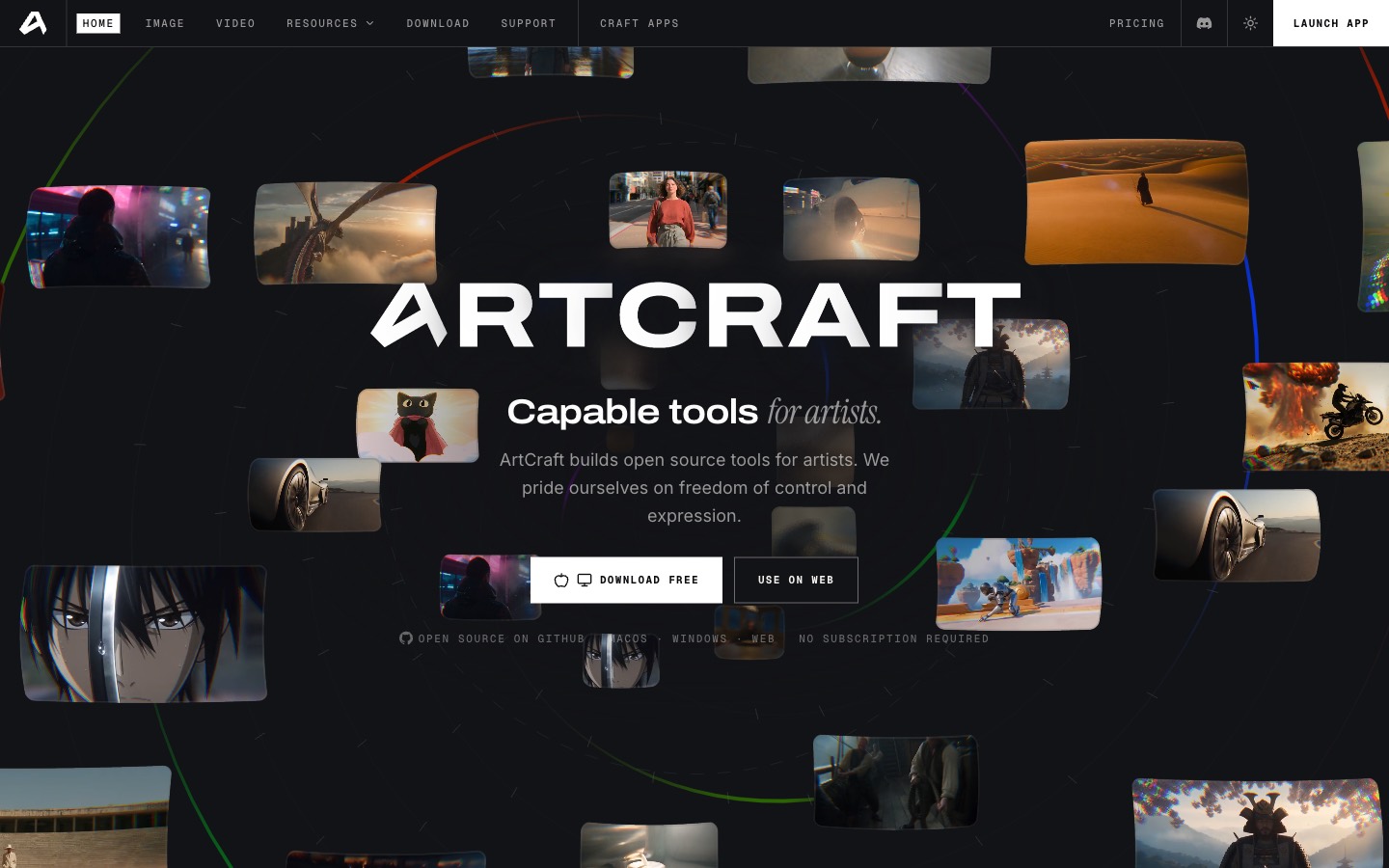
It comes from ArtCraft, the company behind an AI image and video studio that's already in the index. ArtCraft's Brandon Thomas built the apps in Rust with help from Anthropic's Claude Opus 5.5, and released them under the name Crafting Apps. They copy the layouts, menus and shortcuts of the tools you already know, so there's very little to relearn. They're free, the code is yours to read and fork, and nothing touches the cloud.
What's in the suite
It started as seven Adobe stand-ins and has already grown to twelve apps:
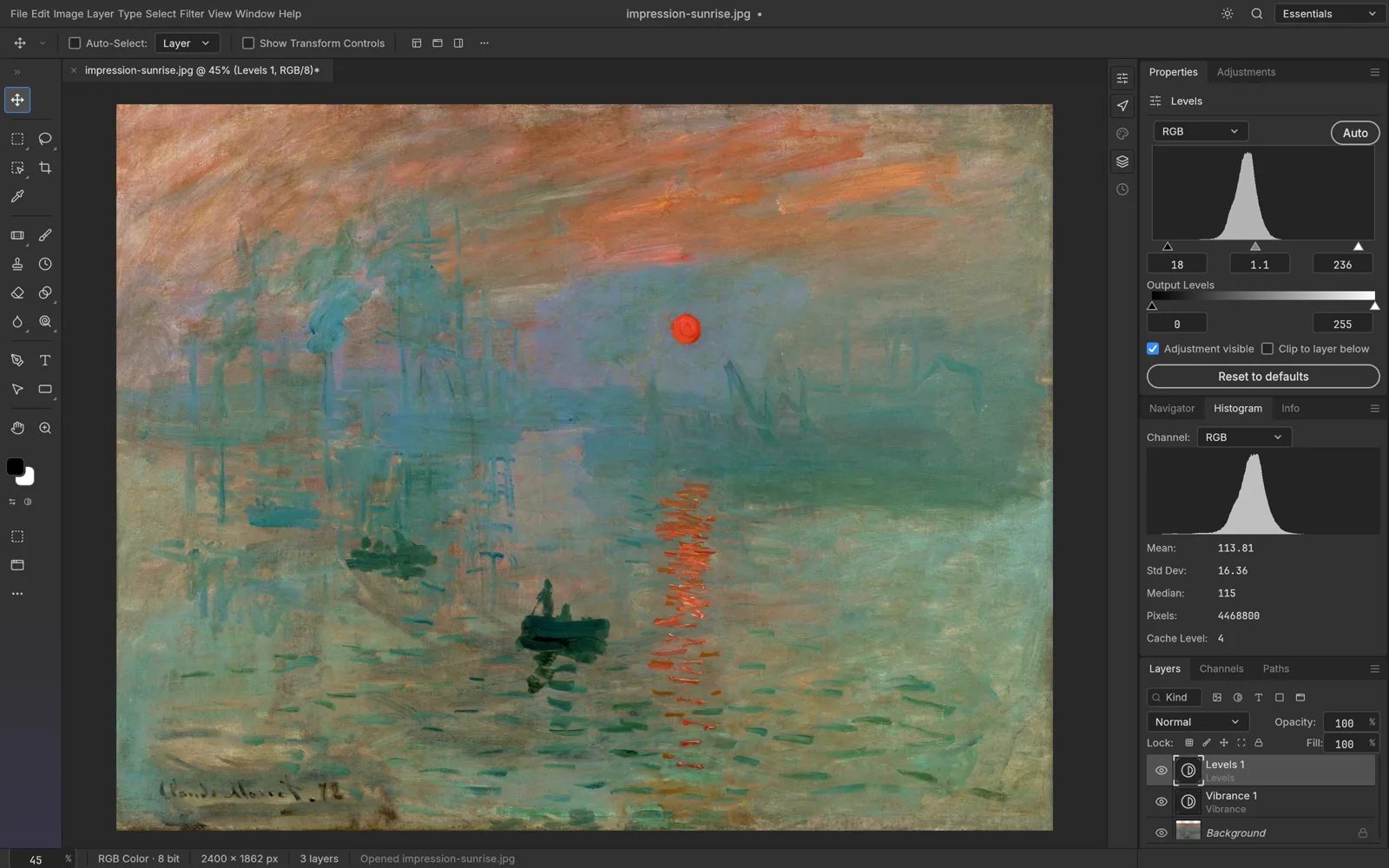
- PhotoCraft for Photoshop work: layers, masks, adjustment layers, layer styles, type and real PSD files
- LightCraft for Lightroom: a photo library and raw developer
- FilmCraft for Premiere: editing, color and sound
- VectorCraft for Illustrator, EffectCraft for After Effects, DesignCraft for InDesign and PdfCraft for Acrobat
- Plus WordCraft, DeckCraft, GridCraft, SoundCraft and CADCraft, which take on Word, PowerPoint, Excel, Pro Tools and AutoCAD
All of them have installers for macOS, Windows and Linux, and all except FilmCraft also run in a browser tab. On a Mac, the ArtCraft Launcher installs every app at once and keeps them updated.
 PhotoCraft · for Photoshop ↗
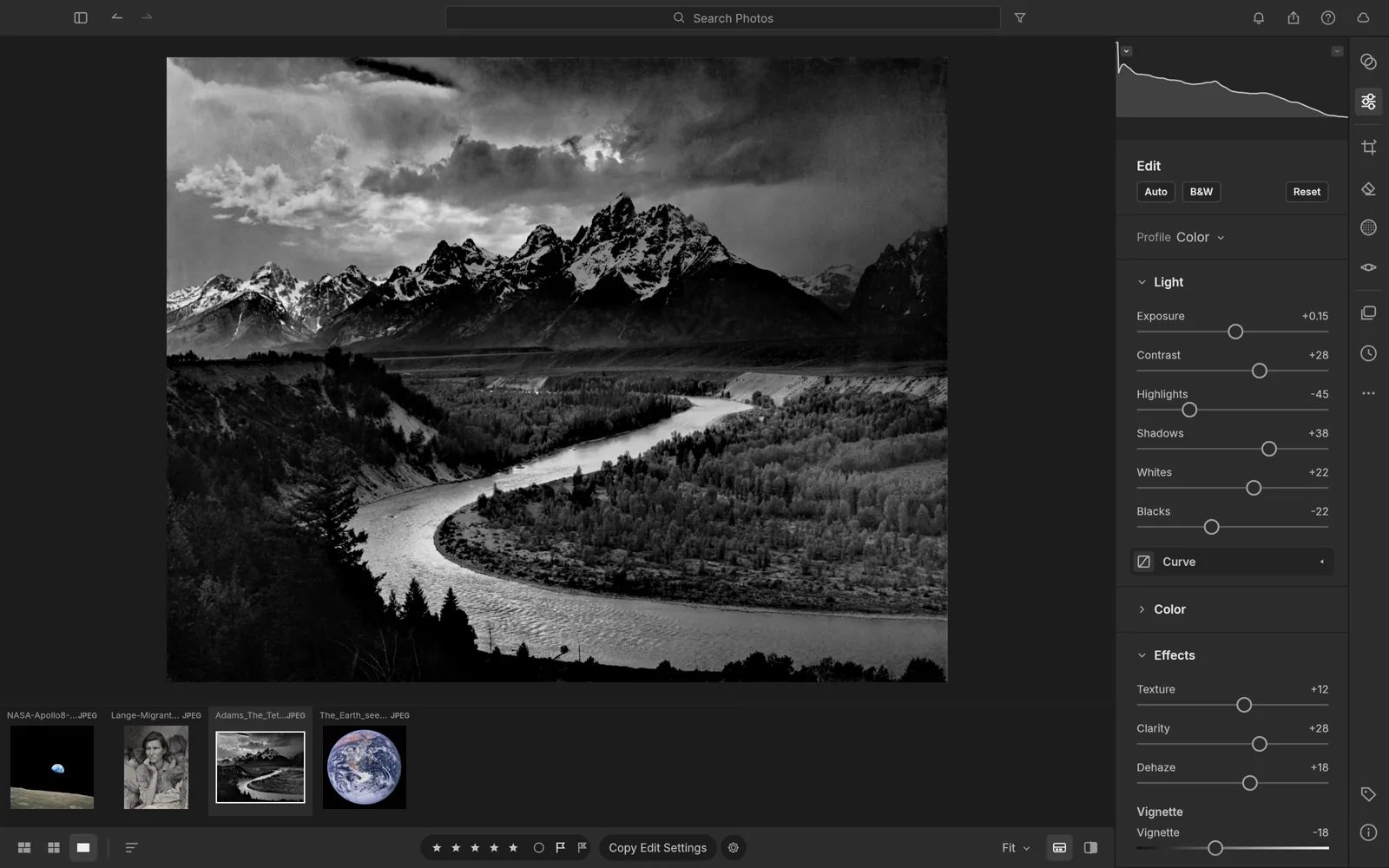 LightCraft · for Lightroom ↗
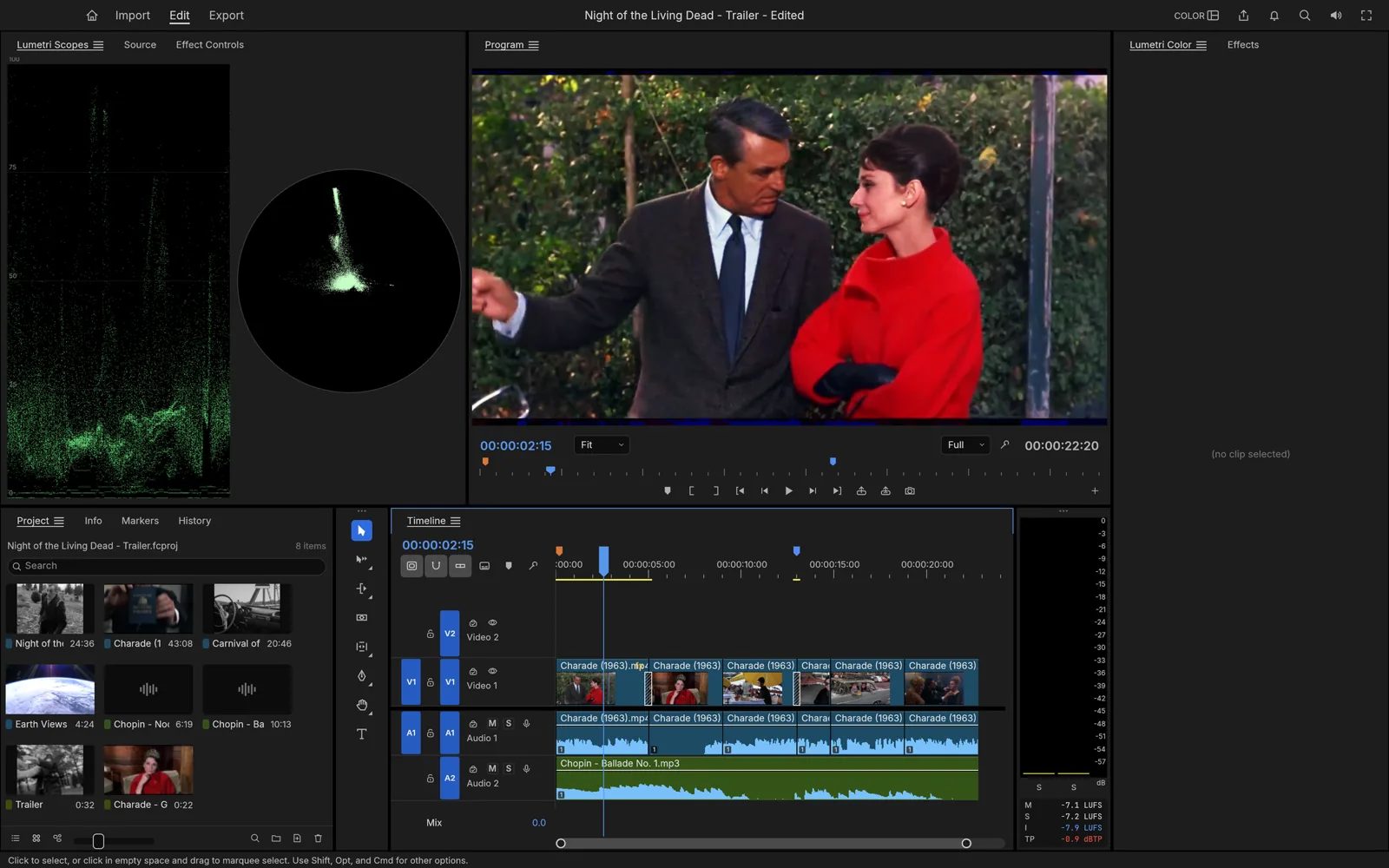 FilmCraft · for Premiere Pro ↗
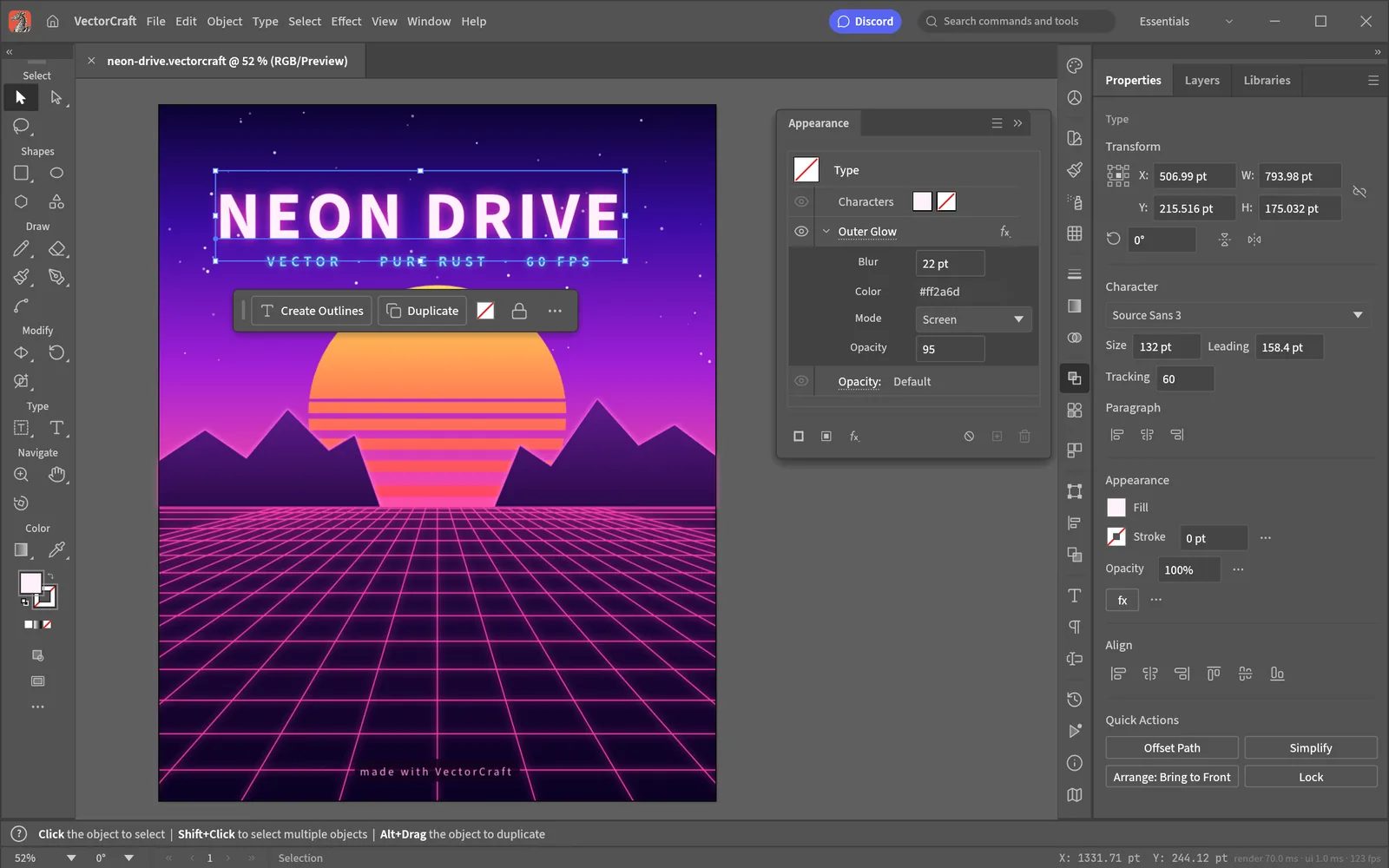 VectorCraft · for Illustrator ↗
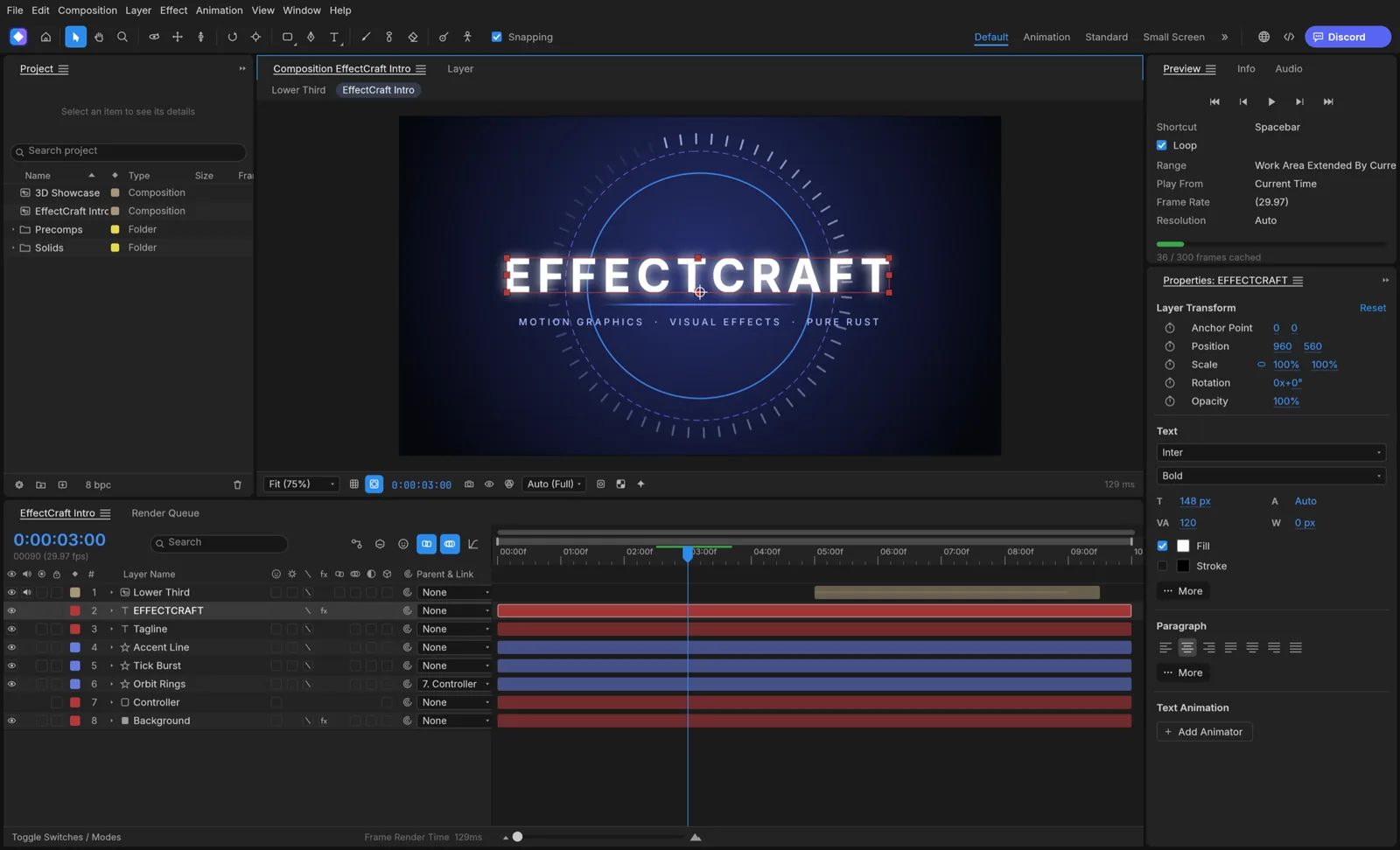 EffectCraft · for After Effects ↗
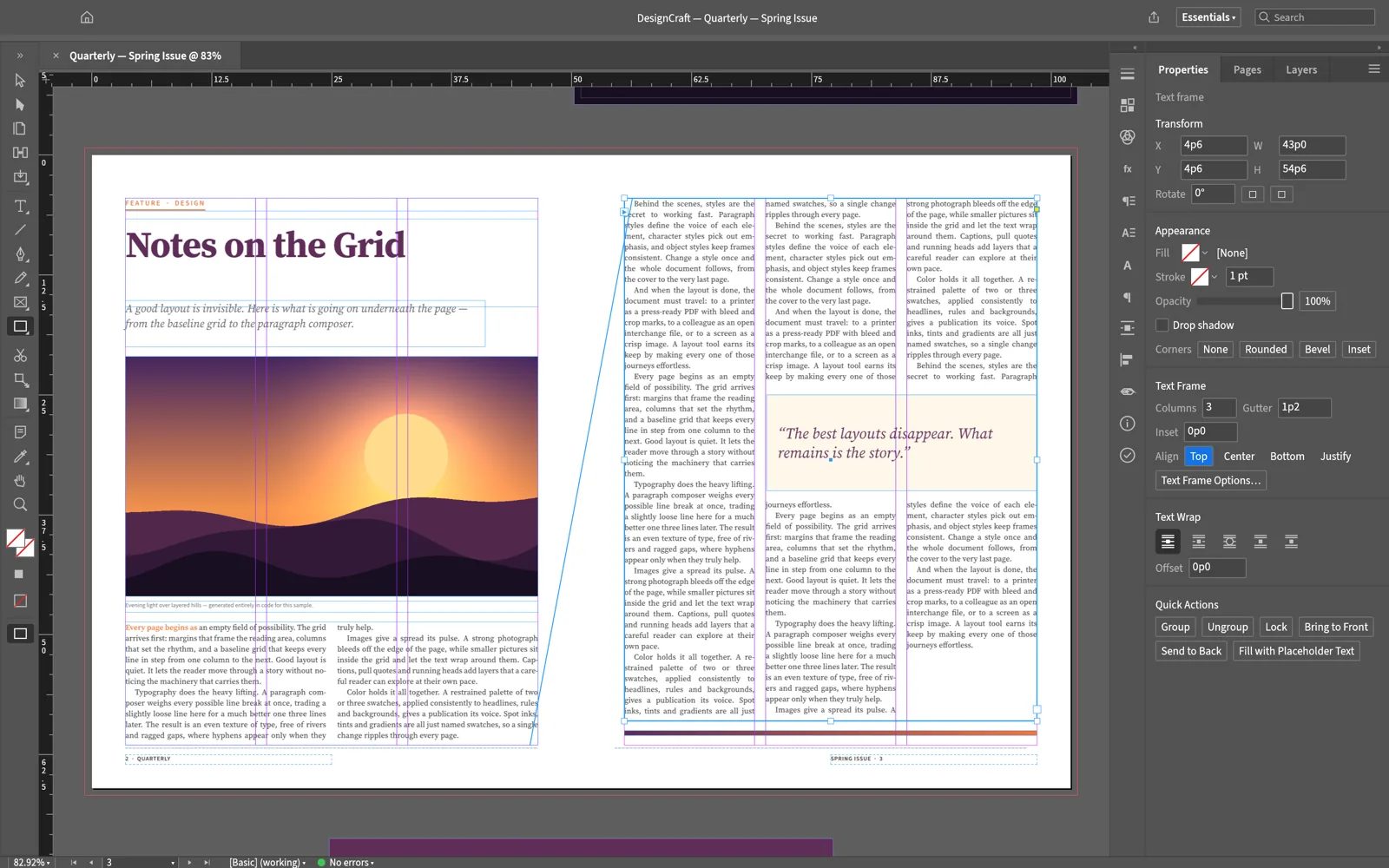 DesignCraft · for InDesign ↗
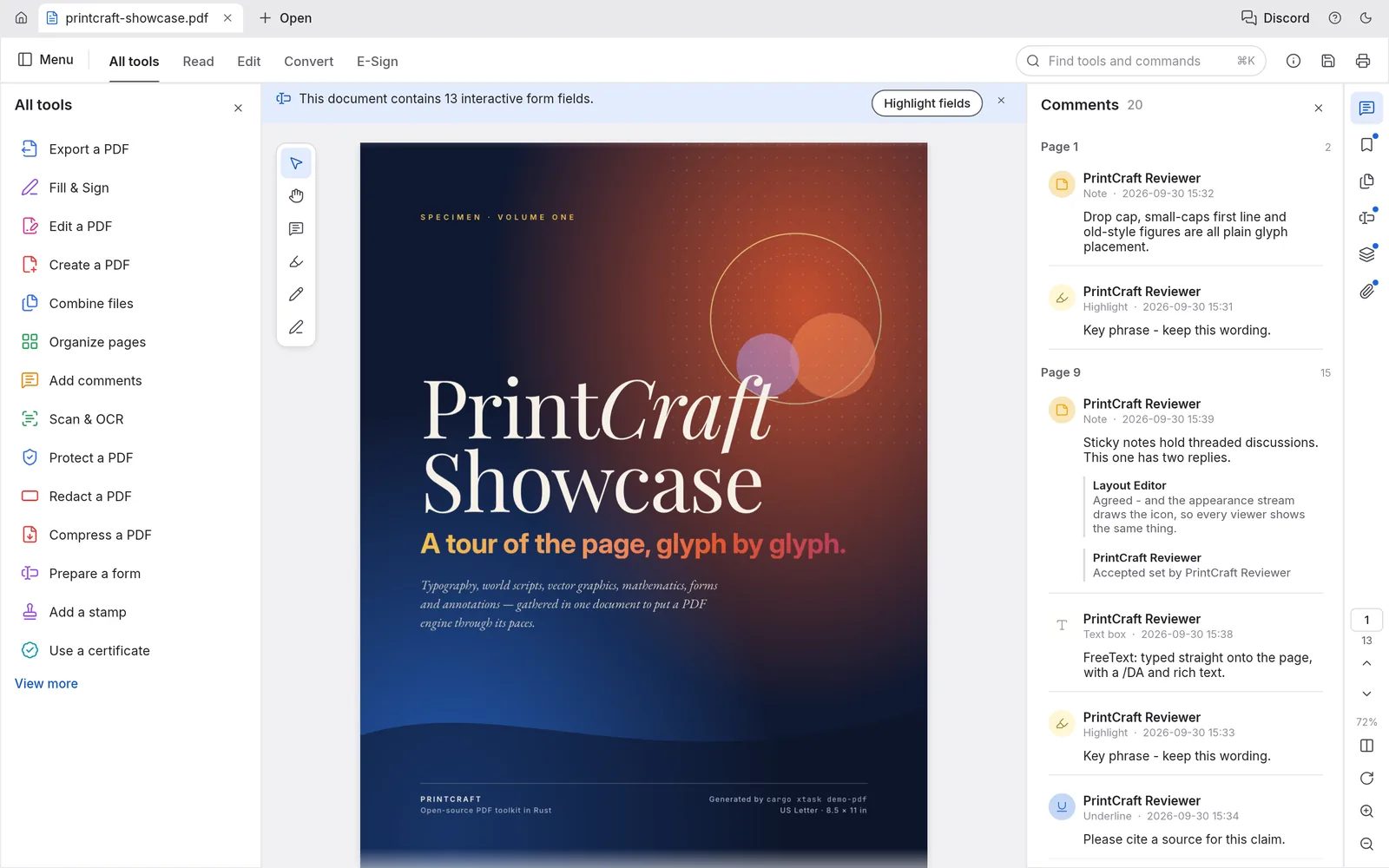 PdfCraft · for Acrobat ↗
PhotoCraft is the one to try
PhotoCraft gets the most attention, and it's the furthest along. The details that matter to a working designer are there. Your shortcuts work, from Cmd+J to Shift+Cmd+D. There are 16 adjustment layers, including Curves, Levels and Color Lookup with .cube files. The usual layer styles are there too: drop shadows, glows, strokes and overlays, live on type. Select Subject runs on your own machine, with no account.
The headline feature is PSD support. PhotoCraft opens and saves layered Photoshop files, including PSB, 16 and 32-bit, CMYK and Lab. The team reports that 307 of 309 files in a public PSD test set re-save without changing how they look. Whatever it doesn't understand yet, it carries over instead of throwing away. For anyone with years of client files in Photoshop's format, that's the difference between a toy and a real option.
There's one more thing Adobe doesn't do. Every menu item is also a command you can run from a script, the command line or an AI agent, through what's called an MCP server. Batch-grading a folder of images is one line.
To see the apps running before you install anything, Jay E of RoboNuggets tested all seven in under nine minutes, including whether Claude can drive them for you.
What the people testing it say
The r/SaaS thread where Thomas shared the apps turned into a big, honest beta test, and it's worth a read.
The praise is mostly about speed. Testers report PhotoCraft opening in about a second, with no splash screen, and the portable Windows version that needs no install got a lot of love.
The complaints are specific, which is a good sign that people are actually using it. One tester couldn't find Preferences or a way to remap shortcuts, which matters if your hands live on Content-Aware Fill. Another found layer folders sitting below their contents, with no way to collapse them or hide what's inside. One user who works on very large images, around 14,000 pixels square with big brushes and blend modes, found it froze where Photoshop doesn't, and that color was off outside sRGB. Their verdict was that it's plenty for web work and not ready for print, and still the best attempt at this they'd seen.
Photographers raised the hardest question. Raw processing lives or dies on its default color, the camera profiles Adobe and Capture One spend years calibrating. LightCraft writes its own raw decoders and color science, and its own documentation says measured camera calibration is still missing. For now, color for several camera brands is estimated from their in-camera JPEGs.
Thomas has been straightforward about all this. In the thread he promised "100% parity within a month". Since then, Gizmodo reports, he's described the apps on Hacker News as early alpha and not close to ready.
Heads up
These are early. ArtCraft labels PhotoCraft and PdfCraft early alpha, and every other app is still in development. Don't move a client job onto them yet. Keep Photoshop for anything big, anything going to print, or anything with deadlines, and use PhotoCraft alongside it while it grows. It's also worth knowing that the apps copy Adobe's look closely. The code is written from public specs and observed behavior rather than Adobe's code, but how closely an app can copy another's look is a legal gray area, and people in the thread were already asking. Don't be surprised if the look changes.
For something mature and free today, GIMP, Krita, Inkscape and darktable have years on the Crafting Apps. Their catch is that they work differently from Adobe's tools.
Who it's for
Designers who are tired of paying Adobe every month for the same five tools, students, and anyone who needs to open a PSD without a subscription. It also suits teams who'd like to script their image work, or let an AI agent do the dull bits.
Download PhotoCraft, open an old PSD and see what holds up. If something breaks, tell them. The whole project is being built in public, and bug reports are moving it along faster than anything.
Written by Steve Salgado
About ArtCraft
- Made by
- ArtCraft (Brandon Thomas)
- Apps
- PhotoCraft, LightCraft, FilmCraft, VectorCraft, EffectCraft, DesignCraft, PdfCraft and five more
- Price
- Free, open source (MIT or Apache-2.0)
- Runs on
- macOS, Windows, Linux; most also in the browser
- Status
- Early alpha (PhotoCraft, PdfCraft); the rest in development
- Source
- github.com/storytold
- In the index
- No. 112 ArtCraft →
You might also like
Reverse engineer any app or site with your coding agent
[ Read ↗ ]