Your coding agent finally gets a canvas
pen.dev is a design editor where you and your AI agents work on the same file, with website and Figma import built in.
pen.dev, formerly Pencil, is a design editor where you work with AI agents on the canvas, refine by hand and export to HTML with CSS or Tailwind. It imports websites and Figma files as editable layers, connects to Claude Code, Codex and Cursor over MCP, and saves designs as open JSON. Free to start; Pro is $20 a month.
Most of the design work around a coding agent happens in the wrong place. You describe a screen in a chat box, it writes the code, and you squint at a browser tab trying to explain that the card needs more room to breathe. Then you open a design tool to show it, and the agent can't see that either.
pen.dev puts both of you on the same canvas. It's a design editor where you work with AI agents directly on the artboard, refine the result by hand, and export it to code. It used to be called Pencil, and it's made by High Agency, a company backed by a16z speedrun. The design files are plain JSON, so an agent can read and edit them like any other file in your project.
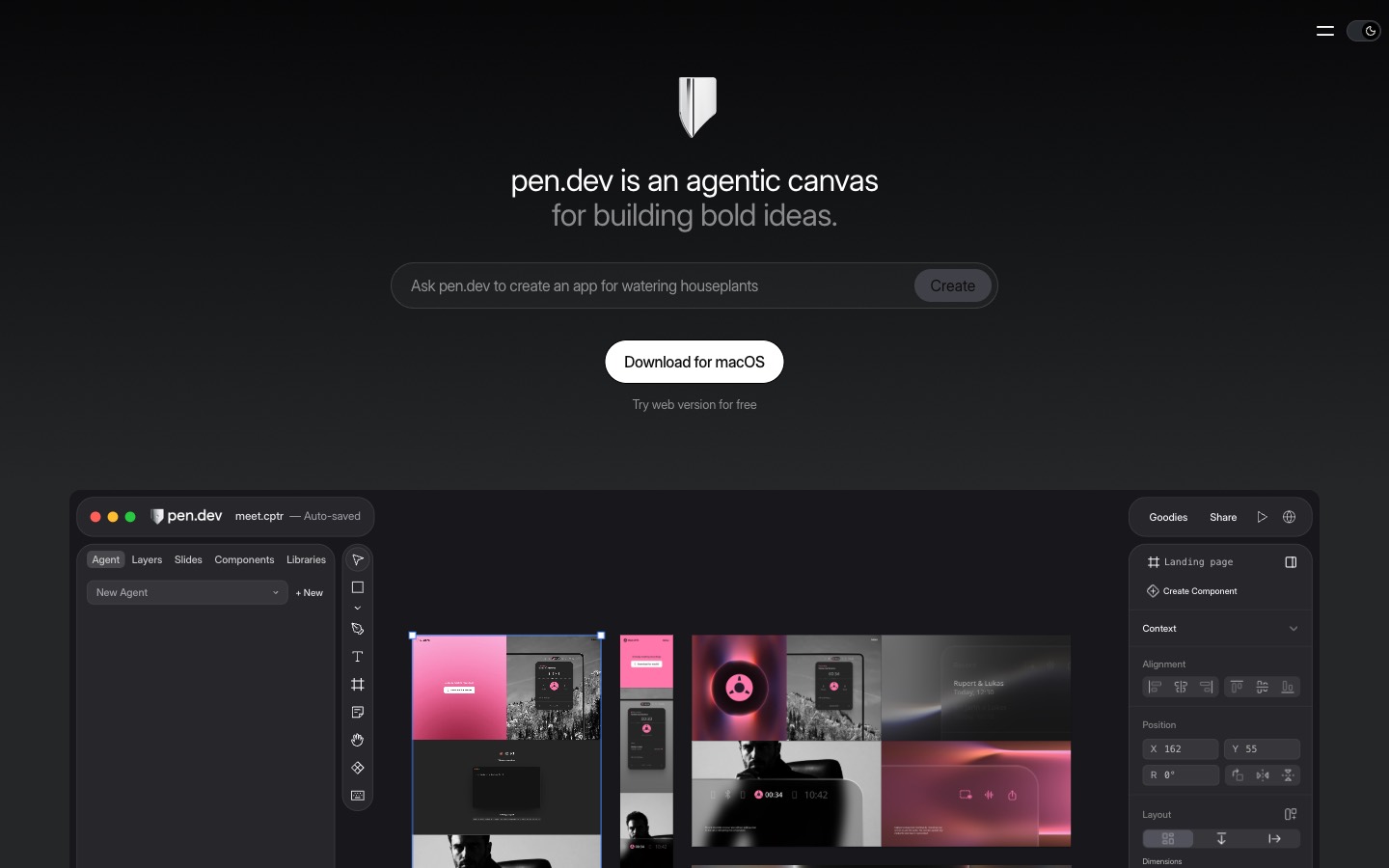
What's in it
The editor is closer to Figma than to a chat app, which is the point. There are components with overrides and slots, variables for color, spacing and type, flex layout, linear, radial, angular and mesh gradients, masking, a pen tool, a pixel grid and slides with a presentation mode. The shortcuts you know from Figma and Sketch work the same way.
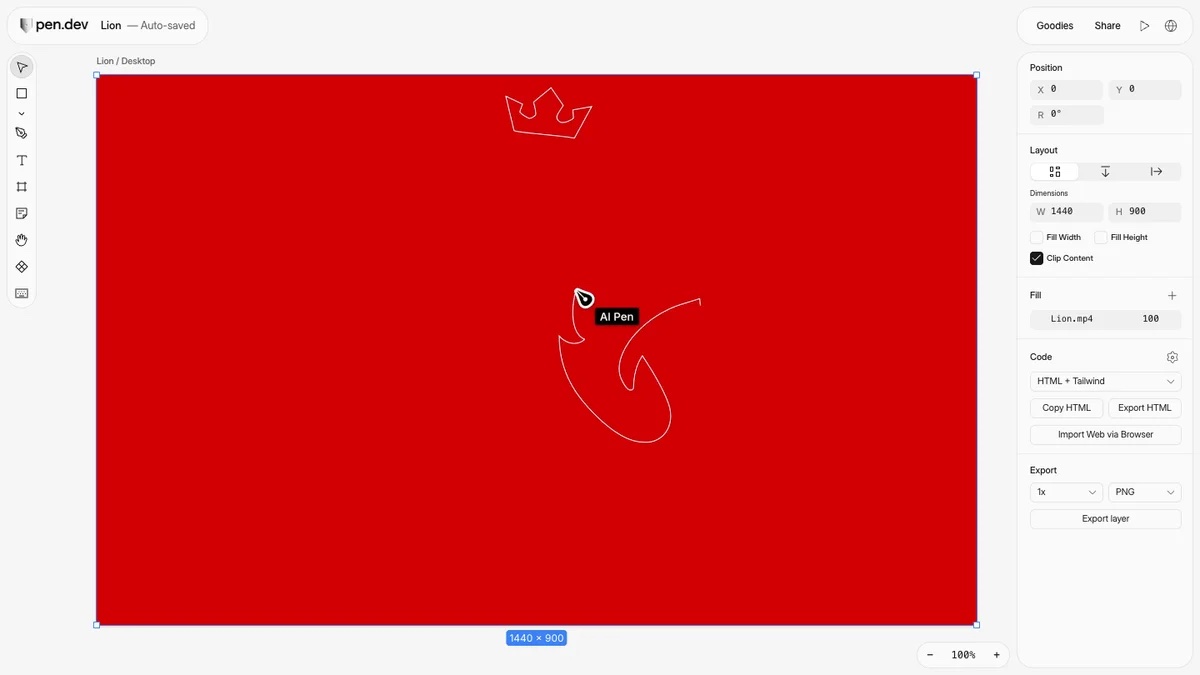
The AI sits on top of that. You can bring Claude, OpenAI, Gemini, Grok, Qwen, Kimi, DeepSeek or MiniMax models, sign in with a ChatGPT or Claude subscription, add an API key, or connect from outside through MCP or the CLI. There are smaller tricks too: vectorize an image, remove a background, or draw icons and illustrations with the AI Pen.
How to use it
Import something real. Starting from a blank artboard is optional. In the desktop app, click the globe icon in the top bar to open the built-in browser, type a URL (a localhost address works too), and click Import to bring the page in as editable layers. Use Select an element first if you only want one part of it. Figma works as well: import a whole file, or copy layers in Figma and paste them onto the canvas. The hero video on this page is that import flow.
Ask the agent on the canvas. Connect a provider in Settings → Agents, then type into the agent composer, the "Design anything…" box in the left panel. Select a layer first and it goes into the agent's context, so "make this card's fill green and keep its size" applies to that card and nothing else. You can keep refining by hand in between, and each agent change can be undone on its own.
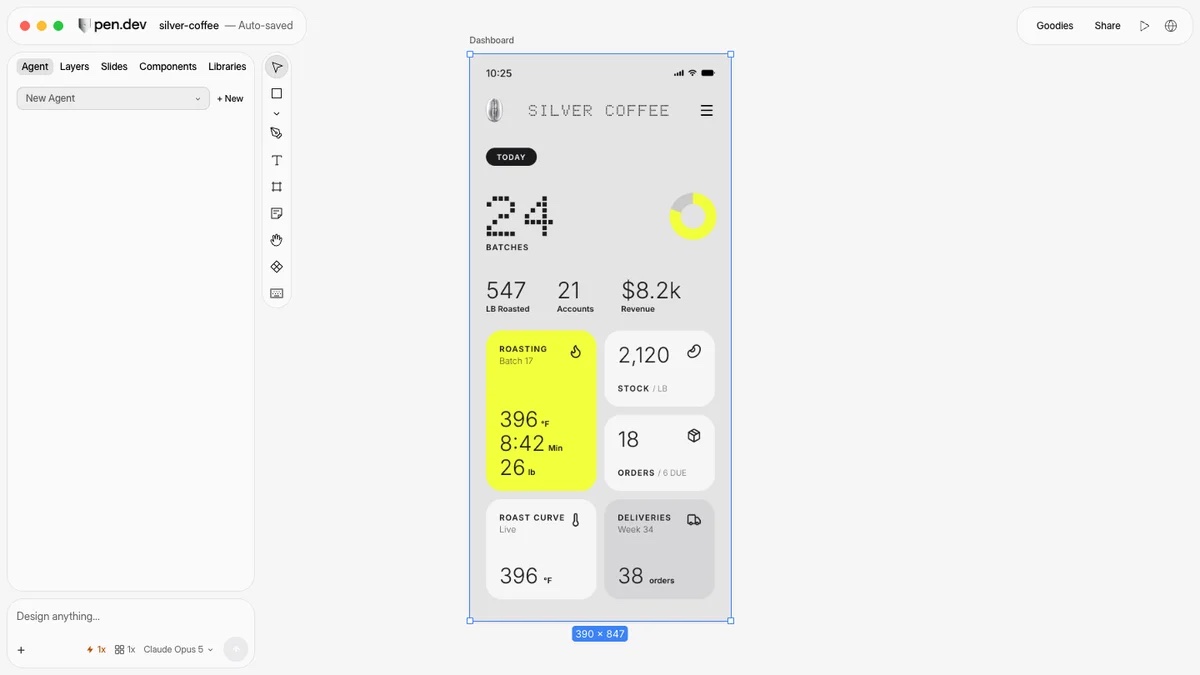
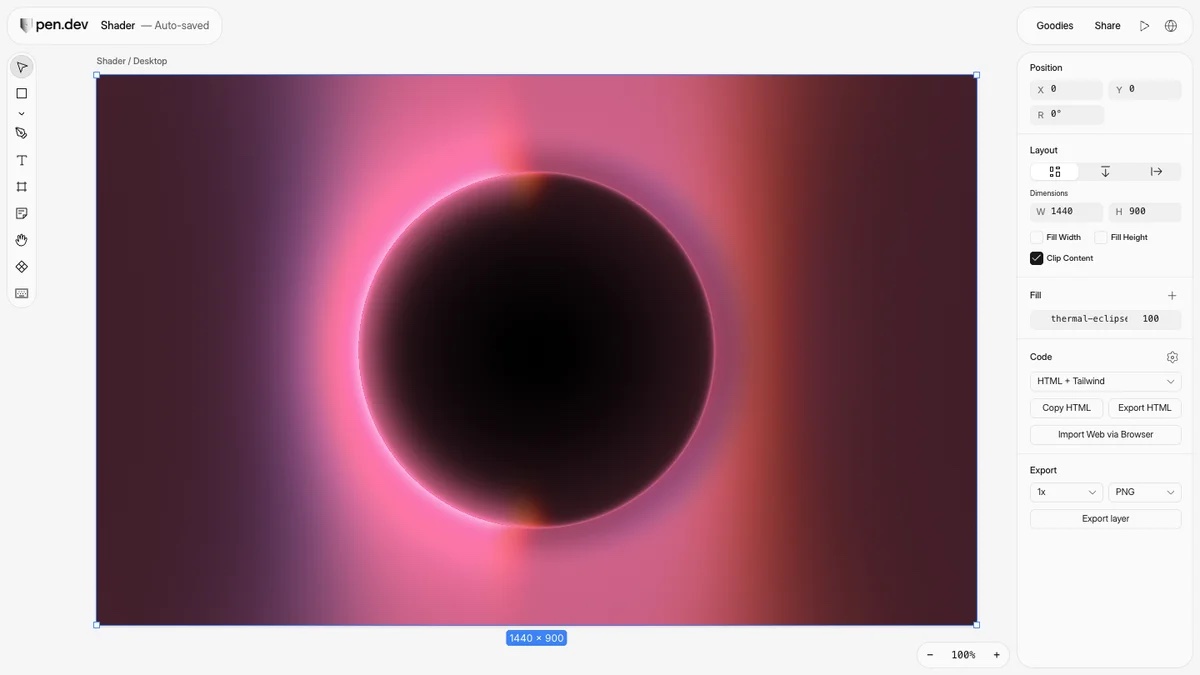
Try the visual extras. pen.dev calls its shaders Vibe Shaders: real-time gradients, textures and visual effects that sit in a frame like any other layer. The AI Pen draws icons and illustrations with an agent, which is handy for a quick mark or a line drawing you'd otherwise trace yourself.
Connect your coding agent. This is where it's different from most design tools. Claude Code, Codex, Cursor, Antigravity or another agent can design in pen.dev through MCP while the file is open in the desktop app, and there's a CLI for working headlessly. Save the .pen file next to your code and track it in Git like anything else.
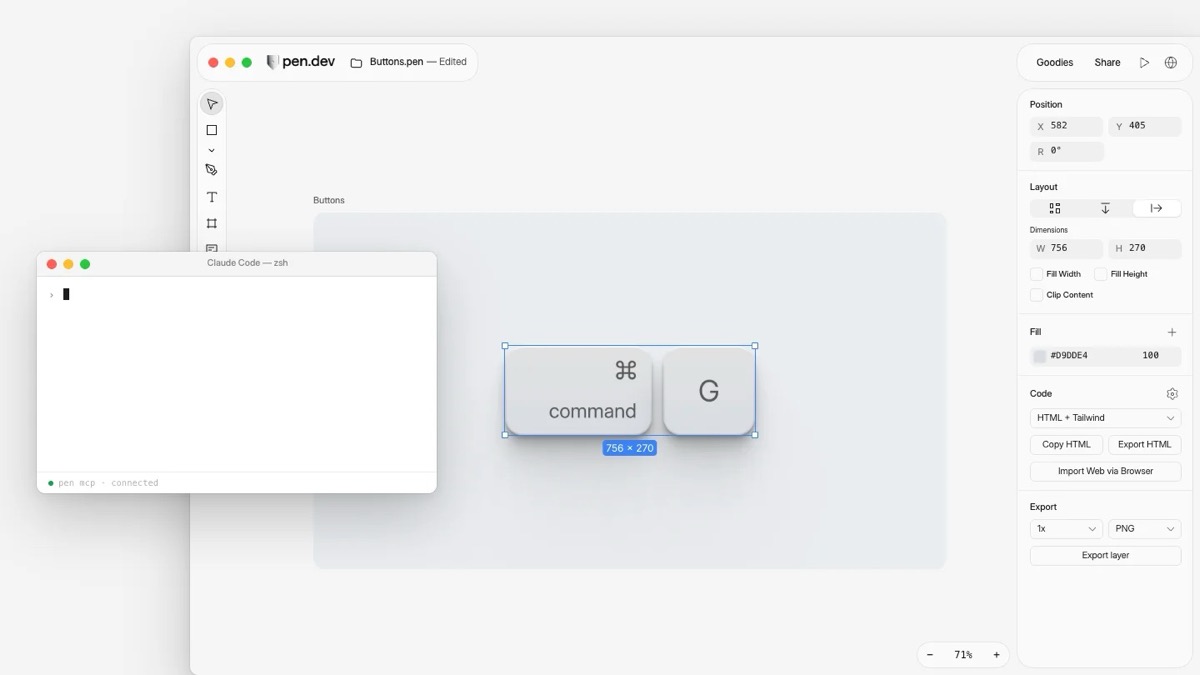
Export it. Select a frame, open the Code section of the properties panel, choose HTML + Tailwind or HTML + CSS, then Copy HTML or Export HTML. Artwork exports as PNG, JPEG, WEBP or PDF at 1x, 2x or 3x.
Pricing
Free covers the full editor, local .pen files, imports, exports, the CLI and sharing. It includes 5 days a month of designing with an agent, 25 image and SVG generations, and one agent at a time. Pro is $20 a month ($16 billed annually) and lets you design with agents every day, with 350 generations and up to 3 agents running in parallel. Ultra is $48 a user a month billed annually ($60 monthly), with 750 generations, up to 6 agents and one shared pool of usage for the team.
Heads up
A "day designing with an agent" counts whether the agent is inside pen.dev or connected through MCP, and any day you use one counts in full, so on Free it pays to batch your agent work into a few days. Using your own Claude or ChatGPT subscription doesn't spend pen.dev's credits, but your provider's limits still apply.
Website import is desktop only. Imported pages lose their JavaScript interactions, and pen.dev's own docs suggest checking fonts and effects against the original. Pasting from Figma doesn't bring images across, so import the whole file if you need them.
It runs on macOS, Windows (x64 for now, with ARM coming) and Linux, in the browser, and as an extension for VS Code, Cursor, Antigravity and Windsurf. If you want something free and open source that opens Figma files, OpenPencil is in the index.
Who it's for
Designers who already work alongside a coding agent and are tired of describing layouts in a chat box, and developers who want a proper canvas to sketch on before the agent builds it. It also suits small teams putting design files in the same repo as the code.
Import a page you already know, ask the agent to change one thing, and see if it understood. That tells you most of what you need to know.
Written by Steve Salgado
About pen.dev
- Made by
- High Agency, backed by a16z speedrun
- Runs on
- macOS, Windows, Linux, web, VS Code and Cursor extensions, CLI
- Imports
- Websites (desktop app), Figma .fig files and pasted layers
- Exports
- HTML with CSS or Tailwind; PNG, JPEG, WEBP, PDF
- Price
- Free with 5 agent days a month; Pro $20/month ($16 annually); Ultra $60/month ($48 annually)
- In the index
- No. 133 pen.dev →
You might also like
3D for designers who never learned Blender
[ Read ↗ ]