3D for designers who never learned Blender
Endless Tools puts 3D type, shapes, materials, AI and real-time effects in one browser workspace for exploring a look.
Endless Tools is a browser-based visual exploration tool for graphic designers. You bring an SVG logo, image, video or 3D model and try materials, 3D type, AI and more than 50 real-time effects on it, starting from 42 templates if you like. Pro costs $20 a month after a three-day free trial.
The brief says "make the logo feel physical." Chrome, maybe, or inflated, or built out of rocks. You know what you want it to look like, but getting there usually means a 3D package you opened once and closed again, or a render queue that eats the afternoon before you find out the idea doesn't work.
Endless Tools is a browser workspace for exactly that kind of exploring. You bring an SVG logo, an image, a video or a 3D model, then try materials, lighting, type, effects, AI and motion on it in real time. It calls itself a visual exploration tool for graphic designers, and that's a fair description. The point is to find a look worth developing, fast.
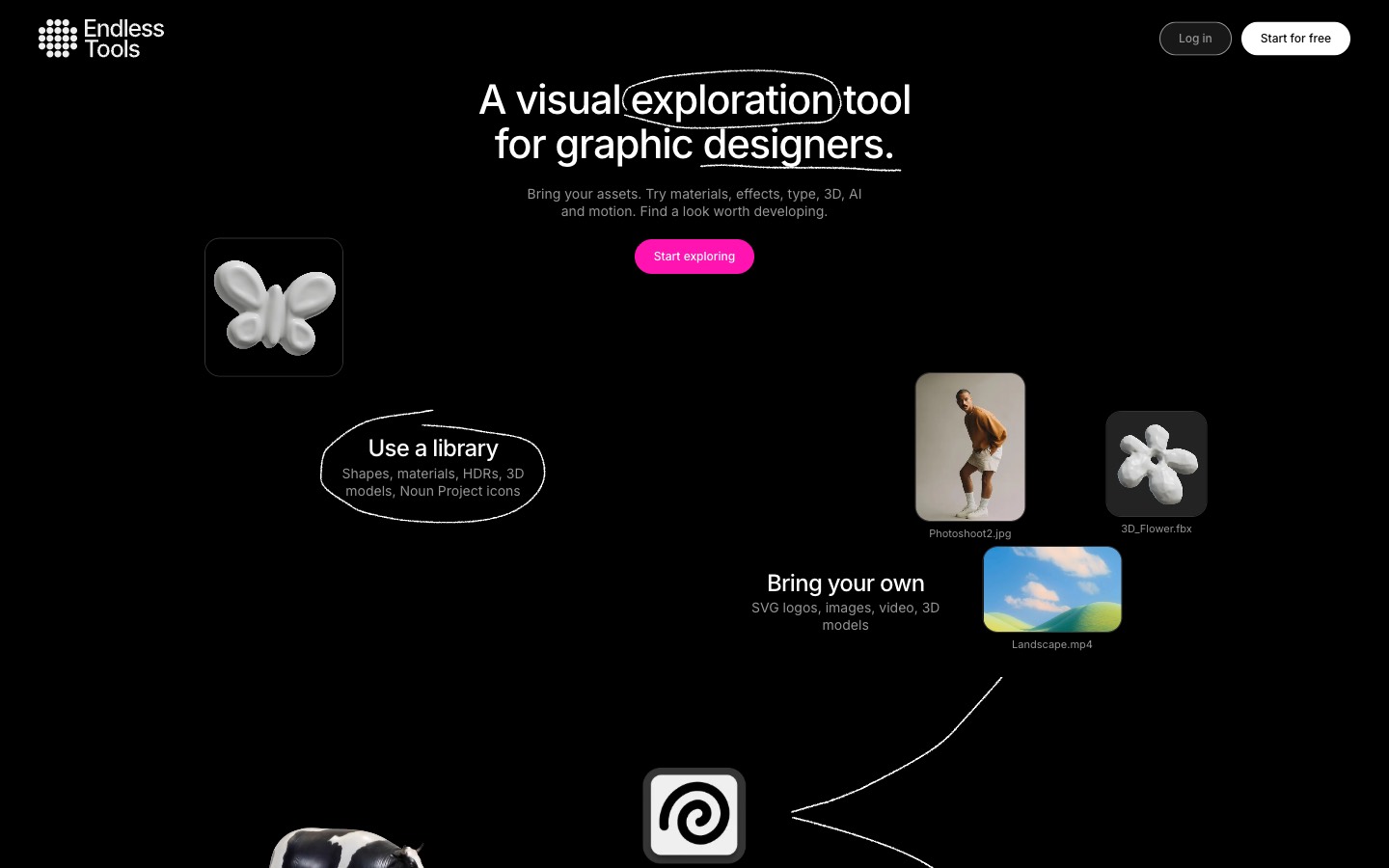
What's in it
There are four tools, and you can switch between them while keeping the same visual style.
- 3D Shapes turns vectors into 3D, or lets you browse shapes from the Noun Project.
- 3D Text builds and animates 3D type from a set of curated fonts.
- 3D Models gives you ready-made models, or generates new ones from an image or a text prompt.
- Image & Video Effects runs more than 50 real-time effects over images, video and 3D, with names like Halftone, Risograph, Pixel Sort, CRT and Liquid Glass.
Around those sit a material library (with an AI Material Creator that has presets for stone, wood, metal, glass, fabric and more), environments and lighting, and Canvas AI, which reworks whatever's in the window: restyle it, place objects, add effects or write your own prompt.
How to use it
Start from a template. There are 42 art-directed templates, grouped into backgrounds, illustration, key visuals, logos and typography. Hover over one and it plays. Click it and it opens in the editor, ready to change. The hero on this page is Shape Fill, which uses Canvas AI to press a pile of 3D objects into the silhouette of your logo.
Type something in 3D. In 3D Text, pick a font, type your word and choose a material. Each material has its own color, metalness and roughness settings if the preset is close but not quite. Depth, segments and spacing are sliders along the bottom, and holding R lets you rotate the whole thing.
Stack effects. Apply up to three effects at once. They sit in a list like layers, so you can reorder them, hide one to compare, and animate them. Each has its own controls: Halftone, for example, has 16 dot and line patterns plus sliders for scale, radius, smoothness and power.
When something works, export it. Images go out as PNG or JPEG, up to 8K on Pro, and Video mode turns the animation into an MP4 or WebM. There's also GLB and USDZ for 3D and AR, and web embeds for places like Framer and Notion. You can copy a result to the clipboard and paste it into Figma, too.
Pricing
The free trial lasts three days and covers the core features, with limits on some of them, such as AI generations. Pro is $20 a month or $249.99 a year, and includes 500 AI credits a month, commercial use without watermarks, the full template library, project saving and team seats. There's an Education plan at $9.99 a month for classrooms and student teams.
Heads up
Three days goes quickly, and in the trial you can't save projects, embed or export USDZ, so plan what you want to test before you start. The AI tools all draw on the same monthly credits.
It's built for trying ideas quickly. If you need precise modeling, rigging or a proper render pipeline, that's still Blender's job. And for motion built keyframe by keyframe, Jitter is the better fit; it's in the index.
It runs in the browser with nothing to install. A desktop screen helps, because the panels take up room.
Who it's for
Graphic designers and brand teams who want to try a 3D or effects direction on a logo, a key visual or a social post without learning a 3D package. It also suits teams that want shared templates and materials so everyone's output looks related, and teachers who'd rather spend class time on ideas than software. Readymag has used it to make 3D pieces for its website templates.
Open a template that's close to what you're after and change one thing at a time. You'll find out in the first ten minutes whether it suits how you work.
Written by Steve Salgado
About Endless Tools
- Tools
- 3D Shapes, 3D Text, 3D Models, Image & Video Effects
- Exports
- PNG, JPEG up to 8K, MP4, WebM, GLB, USDZ, web embeds
- Price
- 3-day free trial; Pro $20/month or $249.99/year; Education $9.99/month
- AI
- Canvas AI, AI Object Creator, AI Material Creator; 500 credits a month on Pro
- Runs in
- The browser, nothing to install
- In the index
- No. 122 Endless Tools →
You might also like

Stop grading rebrands in 48 hours
[ Read ↗ ]Reverse engineer any app or site with your coding agent
[ Read ↗ ]