Jitter is the motion tool for people who don't do motion
Browser-based motion design that picks up where your Figma file leaves off.
Jitter is a motion design tool that runs in your browser. You import frames from Figma, animate them on a timeline or start from 400+ free templates, then export to video, GIF or Lottie. It suits everyday motion work like social posts, product demos and UI transitions, not heavy compositing or character animation.
If you've ever needed a logo to fade in and ended up losing an afternoon to After Effects tutorials, this one's for you.
Jitter is a motion design tool that runs in your browser. You pull in your designs, animate them on a timeline, and export. That's more or less the whole pitch, and for a lot of day-to-day work it's all you need. Social posts, product demos, a little UI transition to drop into a case study. The stuff that doesn't justify booking a motion designer but still looks a bit flat sitting there as a static PNG.
It's been around for a few years now, and Jitter says over 20,000 creative teams use it. Chances are some of the animated posts in your feed this week were made in it.
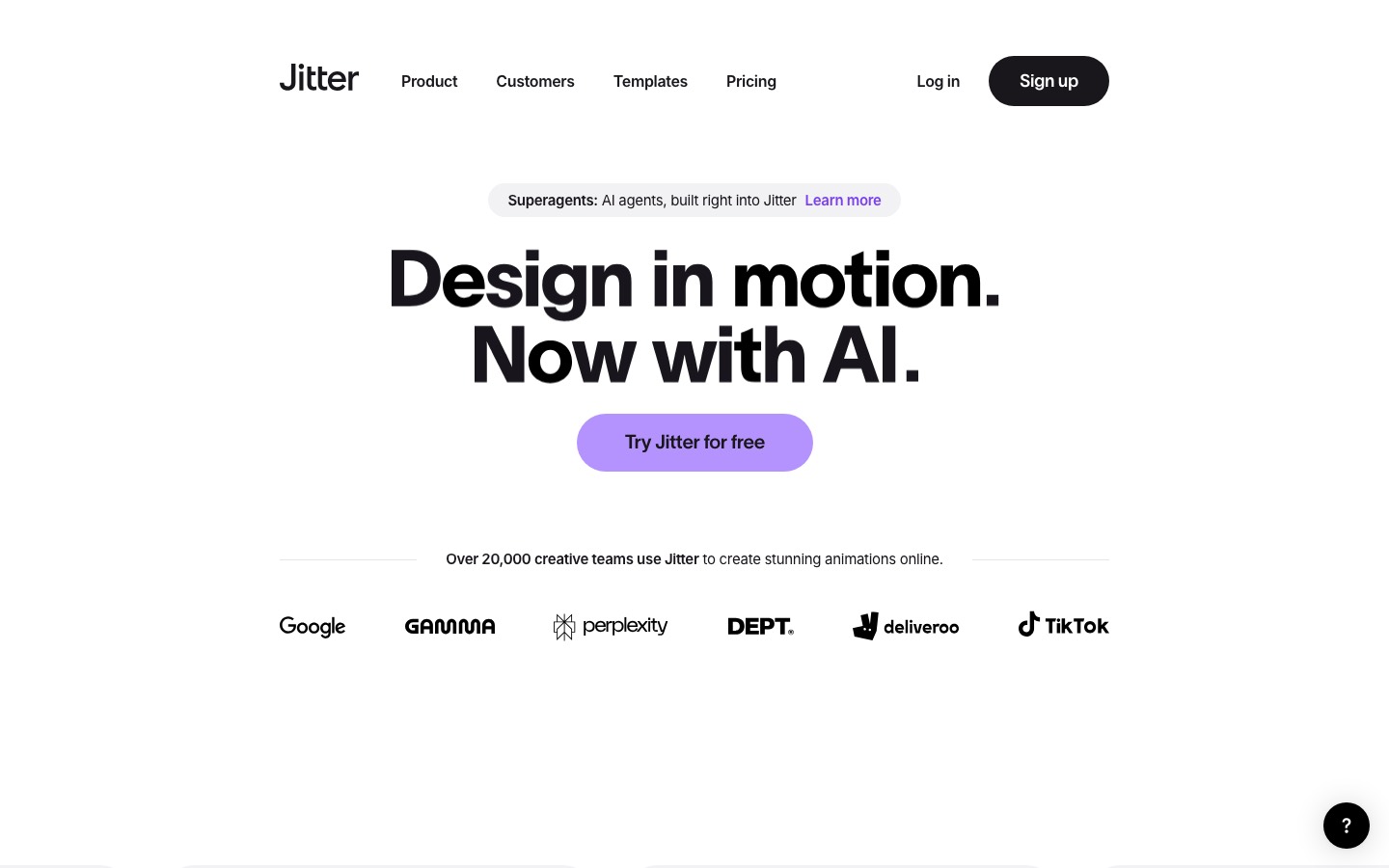
Getting started
The Figma import is the reason most people stick around. You bring frames across and the layers come with them, grouped and named the way you left them. No rebuilding, no exporting a hundred assets. If your file is tidy, you can be animating within a couple of minutes. If it isn't, well, this is a good excuse to clean it up.
If you'd rather not start from nothing, there are 400-odd free templates made by the Jitter team and other designers. Logo reveals, device mockups, text animations, that kind of thing. They're genuinely useful for figuring out timing, even if you end up changing everything else.
The bits worth knowing about
Animated components. Build something once and reuse it across a file. Edit the original and every copy updates. Sounds boring until someone asks for the button to be a different color on every frame of a 30-second video.
The pen tool. You can draw shapes and morph one into another, and move things along curved paths instead of straight lines. Small thing, big difference. Straight-line movement is the fastest way to make something look cheap.
Gradients, blurs, blend modes. All animatable. This is where Jitter starts to feel less like a template machine and more like an actual design tool.
Fonts. There are 1,500-plus built in, so kinetic type experiments don't turn into a licensing detour.
Audio and video. You can drop in music and footage and time things to the track, which does a lot of heavy lifting for launch videos.
Export. Video, GIF and Lottie, and you can batch export a pile of sizes at once. Lottie is the one to pay attention to if you work on product. It's lightweight, stays sharp and developers generally won't complain about it.
The AI stuff
It's there, and it's handled with a bit more restraint than most tools right now. You can turn a still image into video, generate effects from a text prompt, and use what they call Superagents to spin out variations of layouts and motion.
Honestly, the more useful features sit next to it. Magic Import, auto-resize and auto-translate mean one approved animation can become every size and language a campaign needs without anyone rebuilding it by hand. Not exciting. Very handy the week before a launch.
Heads up
It isn't After Effects, and it's not pretending to be. If you're doing proper character animation, heavy compositing or anything with a particle system, you'll hit the ceiling pretty quickly. That work still belongs to motion designers, and fair enough.
It's also a browser app, so a big file on a patchy connection can get sluggish. Worth knowing before you're presenting off café wifi.
Who should use it
Brand designers who want their identities to move a bit. Product designers mocking up transitions. Social teams who need fifteen versions of the same thing by Thursday. Founders making their own launch video because the budget ran out.
There's a free plan, so the easiest way to find out if it fits is to open a Figma file, pick one frame and try to make one thing move nicely. Most people know within about twenty minutes.
Written by Steve Salgado
About Jitter
- Made by
- Jitter
- Platform
- Web browser
- Price
- Free plan, paid tiers
- Exports
- Video, GIF, Lottie
- Best for
- Social posts, product demos, UI motion
You might also like
Type drawn by people who design identities for a living
[ Read ↗ ]
Typewolf is how you stop using the same three fonts
[ Read ↗ ]